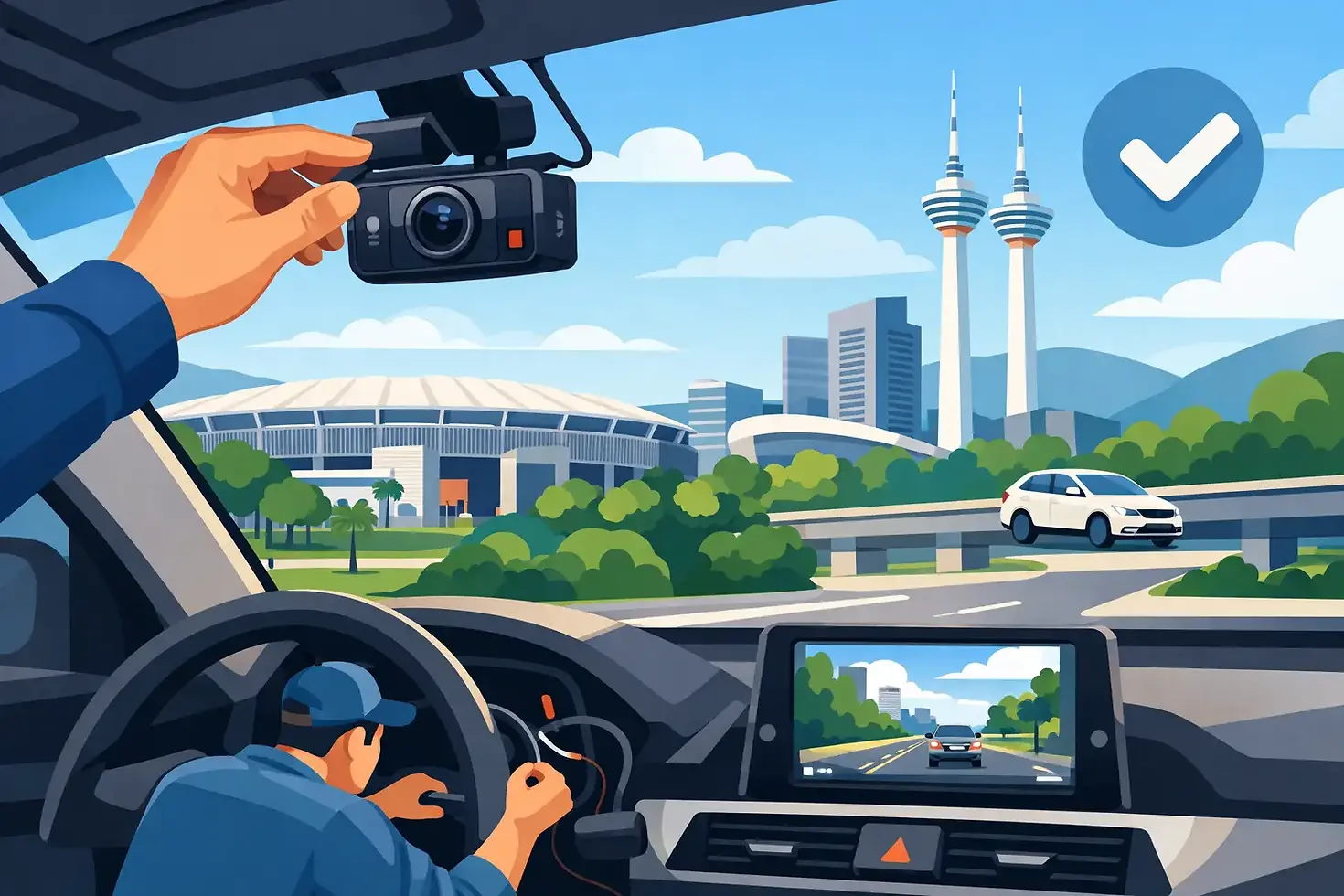
Dashcam Installation Bukit Jalil Done Right
- Nicson Ku
- Jul 16
- 5 min read

A dashcam is only useful when it captures the moment clearly, saves the footage reliably, and stays out of your way while driving. That is why dashcam installation Bukit Jalil car owners choose should be about more than attaching a camera to the windshield. The quality of the wiring, camera position, power source, and setup determines whether your dashcam performs when you actually need it.
For daily commutes, school runs, highway drives, and busy parking lots, a properly installed dashcam adds practical protection. It can provide a clear record after an accident, help document a hit-and-run, and give you more confidence when leaving your vehicle parked. The right system also looks clean inside the cabin, with no loose cables hanging across the dashboard.
What a Professional Dashcam Installation Should Deliver
A good dashcam installation starts with the way the camera is positioned. The front camera needs a wide, unobstructed view of the road without blocking the driver's vision. It should sit high on the windshield, typically behind or close to the rearview mirror, where it can record lane markings, traffic lights, vehicle plates, and road activity with minimal glare.
Rear cameras need the same attention. A poorly placed rear unit may catch too much of the headliner, window tint, or defroster lines, reducing usable footage. An installer should select a position that gives the camera a clear rearward view while keeping the cable routing discreet and secure.
The difference is especially clear after dark. A camera can claim high resolution, but poor placement, reflections from the dashboard, or an incorrect viewing angle can still make footage difficult to use. Professional setup focuses on the full recording result, not just getting the unit to turn on.
Clean Wiring Is More Than Cosmetic
Plugging a dashcam into a 12V socket is quick, but it leaves a visible cable and takes up a charging port. For many drivers, hardwiring is the cleaner long-term option. The cable is routed behind interior trim panels and along the headliner, then connected to an appropriate power source.
Done correctly, hardwiring keeps the cabin tidy and helps prevent cables from interfering with passengers, airbags, steering controls, or visibility. It also allows certain dashcams to use parking-monitoring features.
This work requires care. Modern vehicles have airbags, sensors, trim clips, and electrical systems that should not be disturbed unnecessarily. The goal is a secure installation that looks factory-finished while respecting the vehicle's original components.
Choosing the Right Dashcam Setup for Your Car
There is no single best dashcam for every driver. The right choice depends on how you use your vehicle, where you park, and the level of coverage you want.
A front-only dashcam is a sensible choice for drivers who mainly want evidence of what happens ahead of the vehicle. It is simpler, more affordable, and often enough for regular commuting. If you spend a lot of time on highways or city roads, a quality front camera with strong night recording may offer better value than a cheaper dual-camera setup.
A front-and-rear dashcam gives wider protection. It records the road ahead and the activity behind you, which can be valuable in rear-end collisions, lane-change disputes, or incidents involving vehicles following too closely. It is also a popular option for family cars, e-hailing vehicles, and drivers who make frequent trips around Bukit Jalil, Seri Kembangan, Puchong, and the wider Selangor area.
For parked-car protection, look at a dashcam with parking mode. This feature can record motion or impacts while the vehicle is parked. It is useful in crowded shopping areas, condominiums, office parking lots, and anywhere door dings or hit-and-runs are a concern. However, parking mode needs to be set up properly. A hardwire kit with low-voltage cutoff helps protect the car battery by shutting the camera down before battery power drops too far.
Features Worth Paying Attention To
Resolution matters, but it should not be the only deciding factor. A 4K front camera may capture more detail in daylight, while a well-tuned 2K camera can still produce excellent footage with manageable file sizes. Night performance, image sensors, lens quality, and processing all affect how readable plates and road details are in real conditions.
Useful features include loop recording, which automatically overwrites older footage when the memory card is full; impact detection, which helps protect files from being overwritten after a collision; and Wi-Fi connectivity for reviewing clips on a phone. GPS can record location and speed data, though some drivers prefer the option to turn speed display off for privacy.
Storage is another overlooked detail. Dashcams constantly write data, so they need a high-endurance memory card designed for repeated recording. A standard card may work at first but can fail sooner under heat and continuous use. Reliable recording depends on both the camera and the storage inside it.
Dashcam Installation Bukit Jalil Drivers Can Rely On
When comparing dashcam installation options, do not judge the service only by the product price. Ask whether the installer will recommend a setup based on your driving needs, route cables safely, test the camera angles, and explain how to use the footage afterward.
You should also know how the dashcam is being powered. For a basic front camera, a 12V power connection may be perfectly suitable. For a clean permanent setup or parking mode, hardwiring is usually the better route. The right answer depends on your vehicle, the dashcam model, and whether you want the camera active when the ignition is off.
At KWL Audio & Accessories, dashcam installation is treated as part of a complete vehicle upgrade, not an afterthought. A clean installation can sit alongside tinting, audio upgrades, lighting enhancements, and other practical accessories without making your interior feel cluttered or modified in the wrong way.
Before You Leave the Installation Bay
Take a few minutes to check the system before driving away. Confirm that the front and rear cameras are recording, the date and time are correct, and the view is not blocked by tint strips, stickers, or interior reflections. If parking mode is installed, make sure you understand how it activates and what low-voltage cutoff setting is being used.
It is also smart to learn how to save an important video clip. Many dashcams have a physical emergency button, while others use a mobile app. In a stressful situation, you do not want to search through menus for the first time.
Keep the windshield clean around the camera lens area, and format the memory card periodically according to the camera manufacturer's guidance. This simple maintenance habit can reduce recording errors and keep your dashcam ready for the road.
A dashcam should give you evidence, not extra hassle. Choose a setup that matches your driving routine, have it installed with precision, and take a moment to verify the footage before the next unexpected moment asks for it.


Comments